Interview Completed notifications - Who gets notified anytime an interview is completed?

How Internal Notifications work in Hireflix
Internal Notifications determine who receives an email whenever a candidate completes an interview.
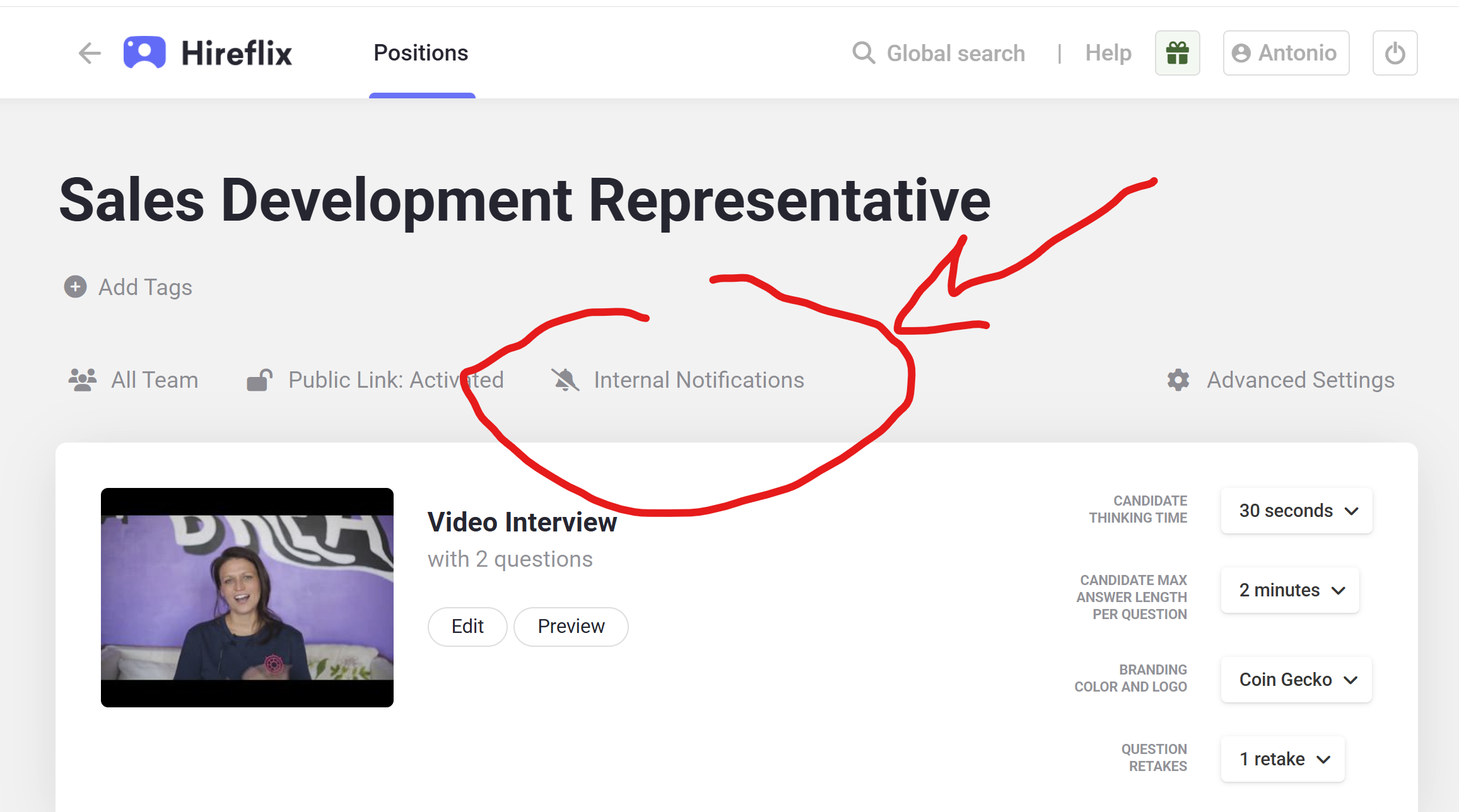
These settings are configured separately for each position/interview.
Where to find Internal Notifications
- Open your position/interview
- Click Configure
- Open the Internal Notifications section
Inside this section, you will see:
- Inviter receives notifications toggle
- Add additional team members dropdown
How notifications are determined
Hireflix determines who receives completion notifications using two separate mechanisms:
- The inviter, meaning the user who invited the candidate
- Additional team members manually selected in the dropdown
How “Inviter receives notifications” works
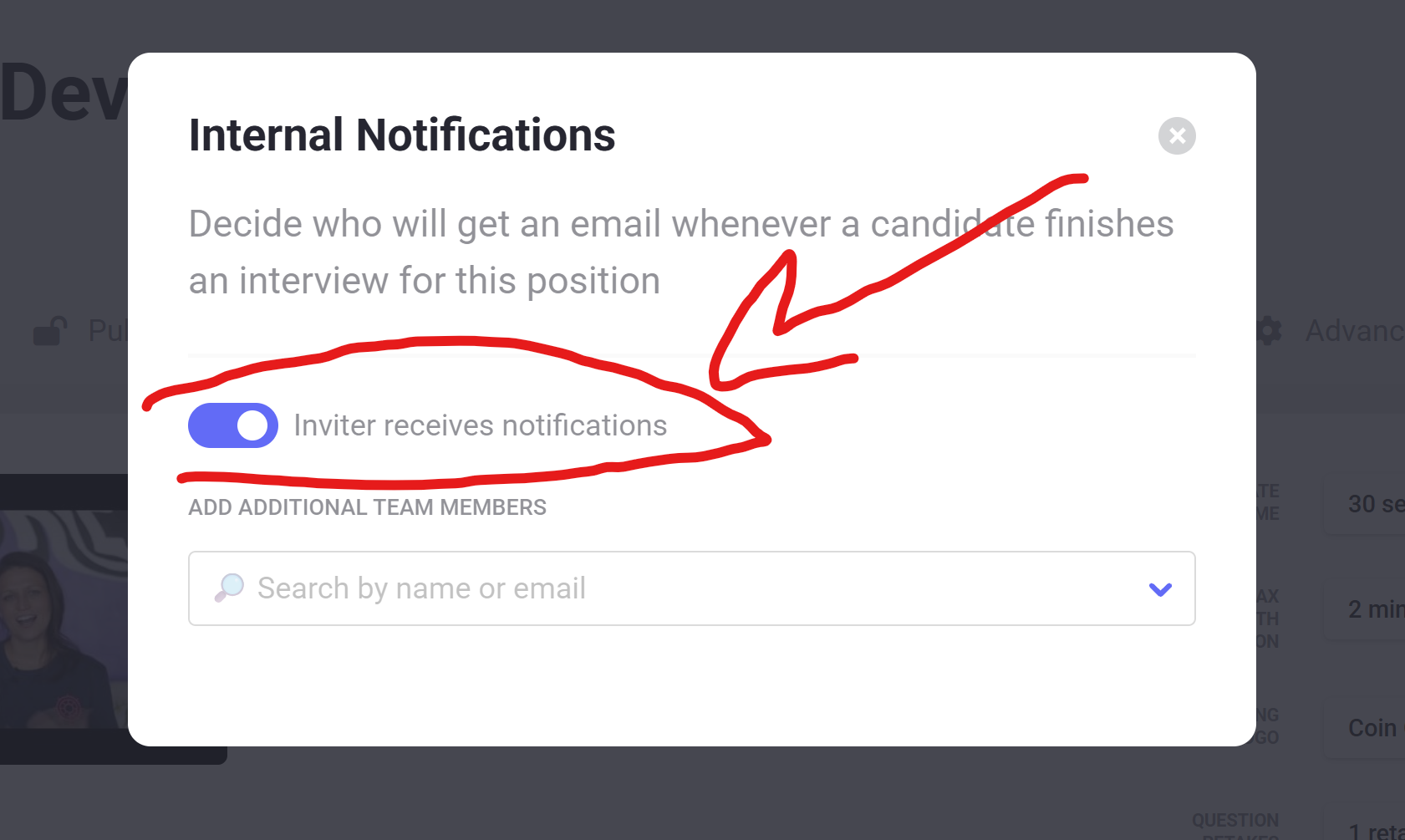
By default, Inviter receives notifications is enabled.
When enabled, the user who invited the candidate will automatically receive the interview completion notification.
What counts as “inviting” a candidate?
A user is considered the inviter when they:
- Manually invite candidates from Hireflix
- Import candidates through a CSV or Excel file
The logged-in user performing the action becomes the inviter.
Example
- If Kim invites a candidate, Kim receives the notification
- If Laura invites another candidate to the same position, Laura receives the notification instead
This works independently for each candidate based on who invited them.
Adding additional team members
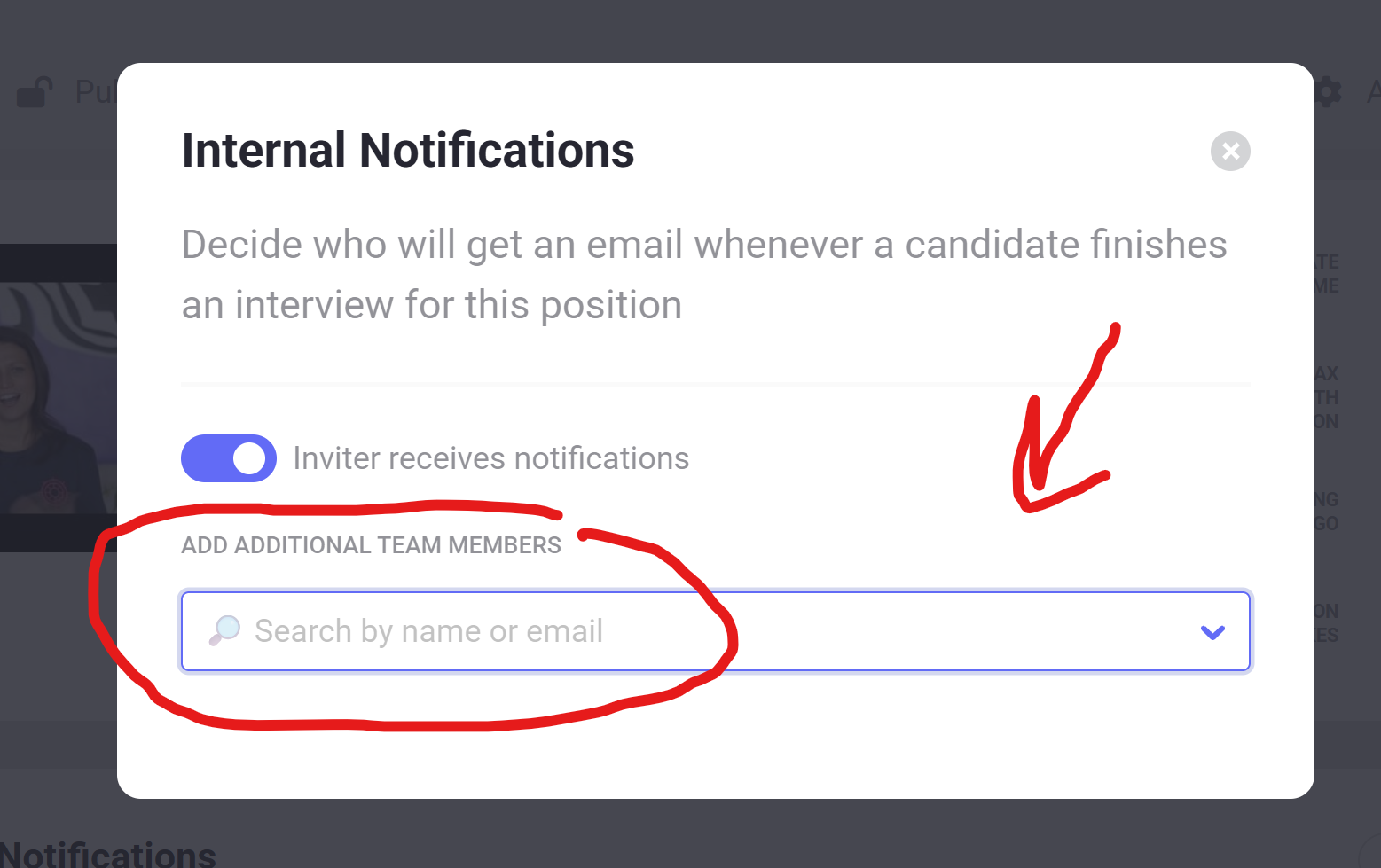
The dropdown allows you to add team members who should always receive notifications for that position, regardless of who invited the candidate.
You can:
- Add multiple users
- Combine this with inviter notifications
- Select only users already added to your Hireflix account
Example
If Laura is added in the dropdown:
- Laura will always receive completion notifications for that position
- Even if another recruiter invited the candidate
Important nuance: ATS integrations, public links, API and automations
Things work differently when candidates are invited through:
- Public links
- ATS integrations
- The Hireflix API
- Zapier or Make.com automations
In these situations, Hireflix does not know which user should be considered the inviter.
Because of this, Hireflix automatically assigns the account owner/admin as the inviter.
What this means in practice
If Inviter receives notifications is enabled:
- The account owner/admin will receive the notifications
- This often surprises teams using ATS integrations or public links
Recommended setup for ATS integrations and public links
If you mainly use ATS integrations, public links, API invitations, or automations, the recommended setup is usually:
- Disable Inviter receives notifications
- Manually select notification recipients in the dropdown
This gives you full control over who receives interview completion emails.
Common questions
Can my colleague also receive notifications?
Yes. Add them in the Additional team members dropdown for the position.
Why is the account owner receiving all notifications?
This usually happens because candidates are being invited through:
- A public link
- An ATS integration
- The API
- Zapier or Make.com
In these situations, Hireflix automatically assigns the account owner as the inviter.
How do I stop someone from receiving notifications?
You can:
- Disable Inviter receives notifications
- Remove them from the additional team members dropdown
Best practice recommendation
If your team manually invites candidates directly from Hireflix, leaving Inviter receives notifications enabled usually works perfectly.
If your workflow relies heavily on ATS integrations, public links, API invitations, or automations, it is usually better to:
- Disable inviter notifications
- Manually define notification recipients
This creates a much more predictable notification flow for your team.
